Tailscale
Exit node and subnet routes
Offer this device to your tailnet as an exit node or subnet router.
Rebuilt for iOS 26.
A new Home screen, Liquid Glass throughout, a faster request list, versioned profiles, and an MCP server for AI agents.
Surge iOS 6 is available now on TestFlight. The App Store still offers Surge iOS 5 for now. How to join the TestFlight beta
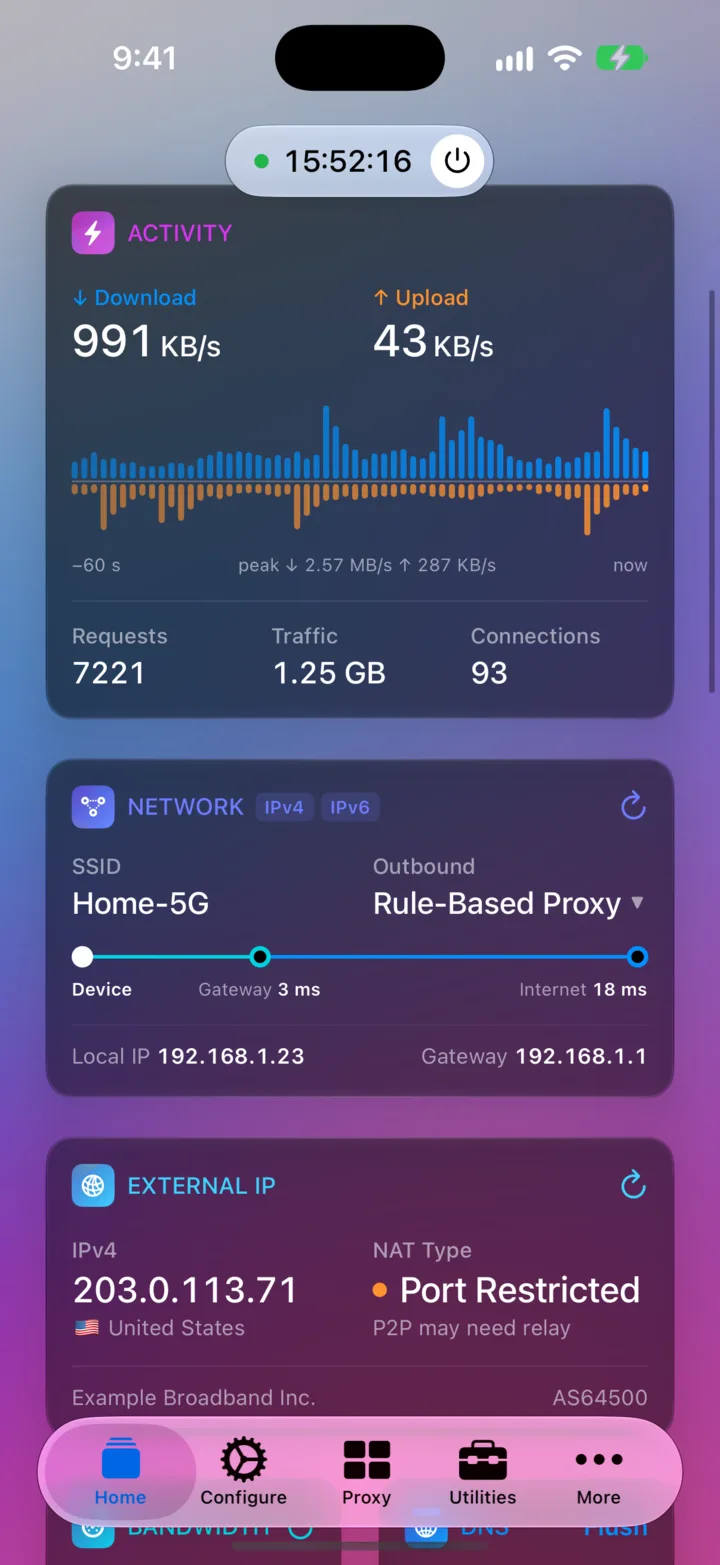
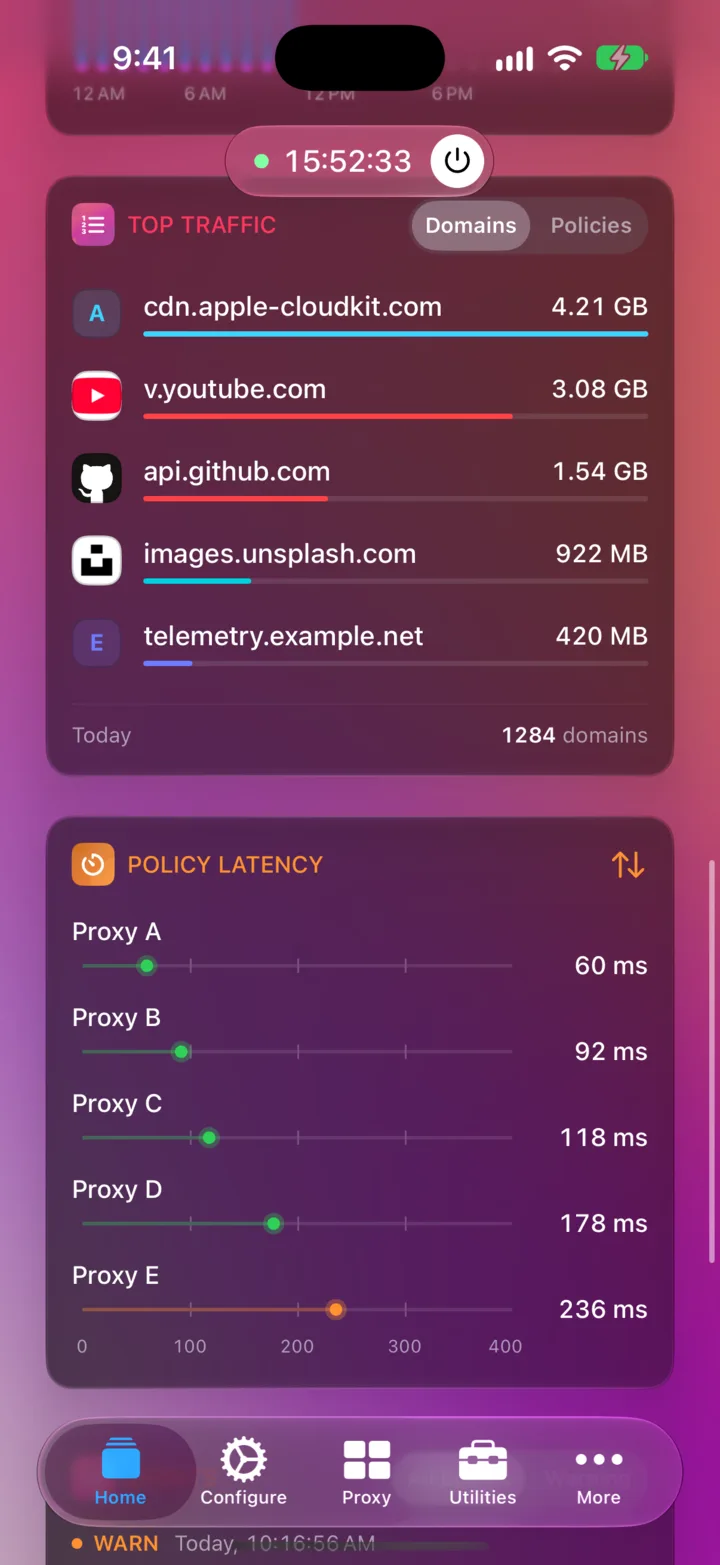
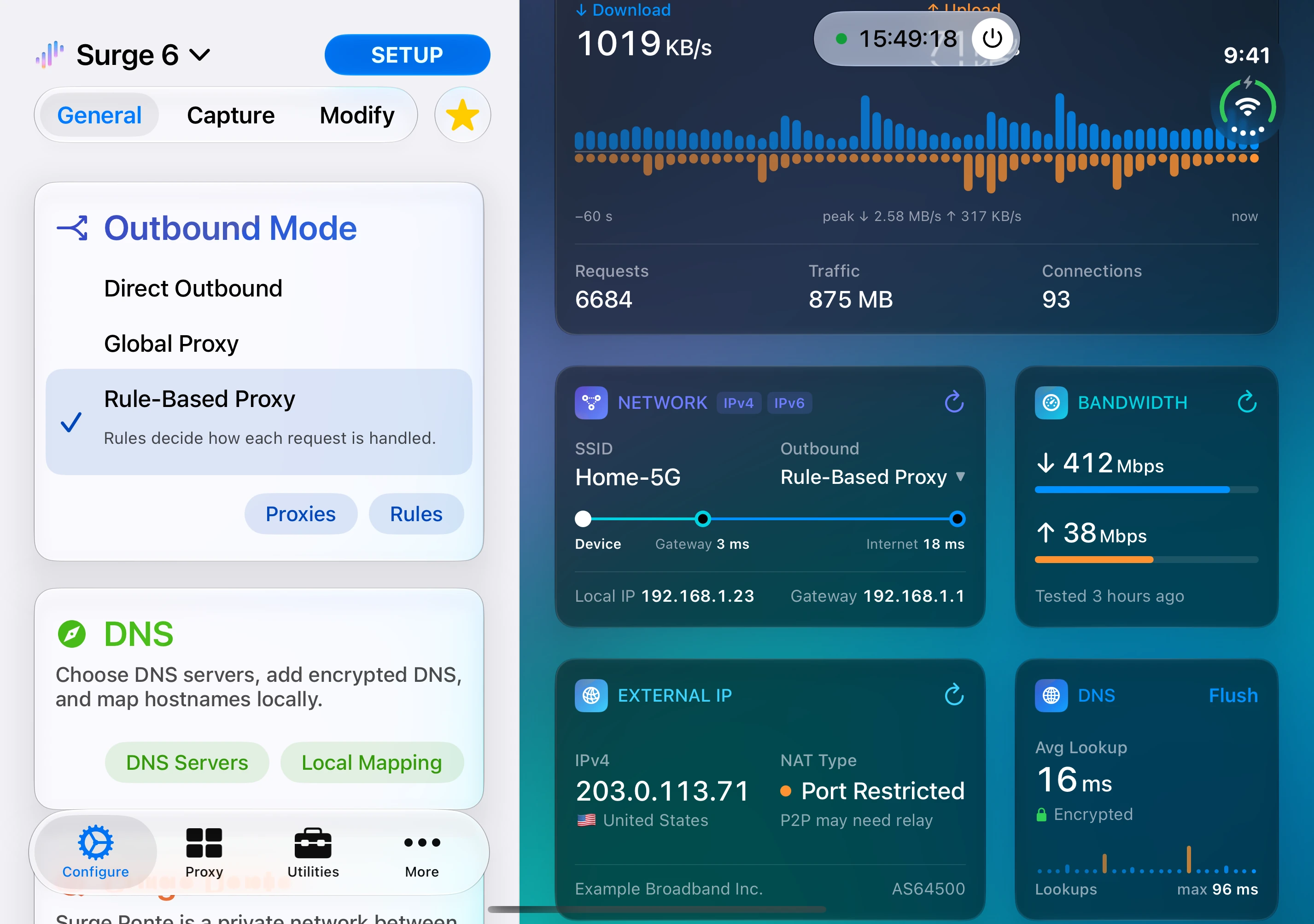
Live traffic, network health, usage, and controls on one dashboard. Scroll down and the Start button tucks into the toolbar.
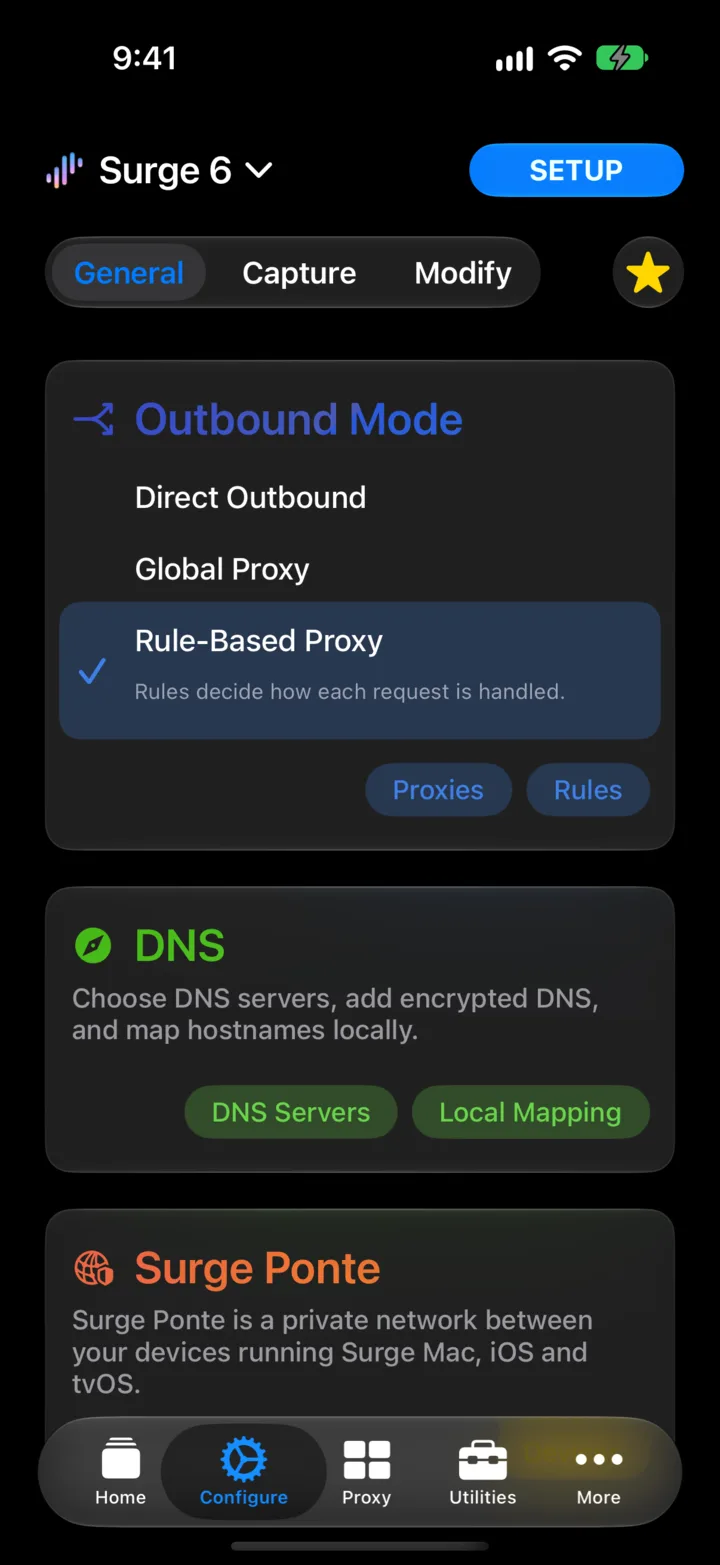
Configure, policy groups, and menus adopt the new iOS 26 material. Menus open right where you tap.
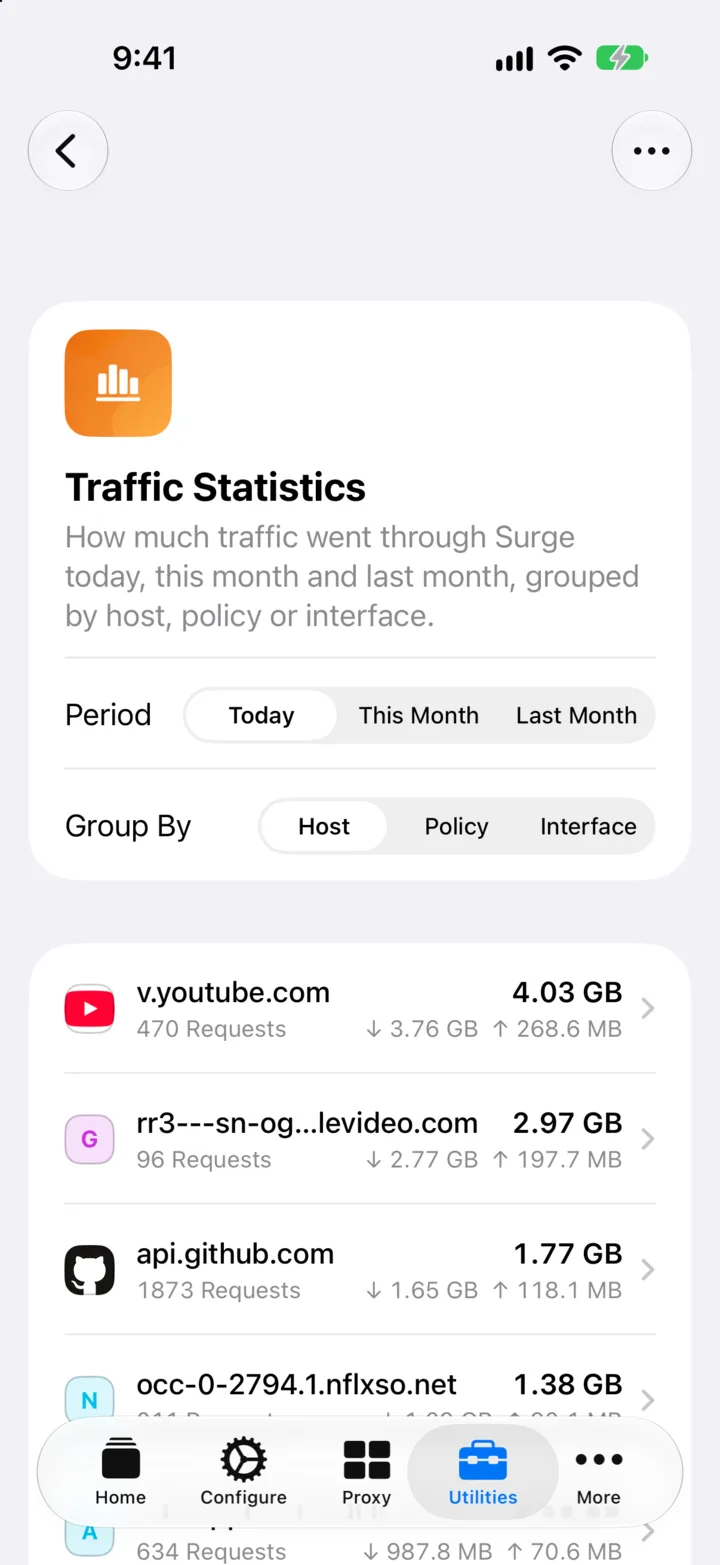
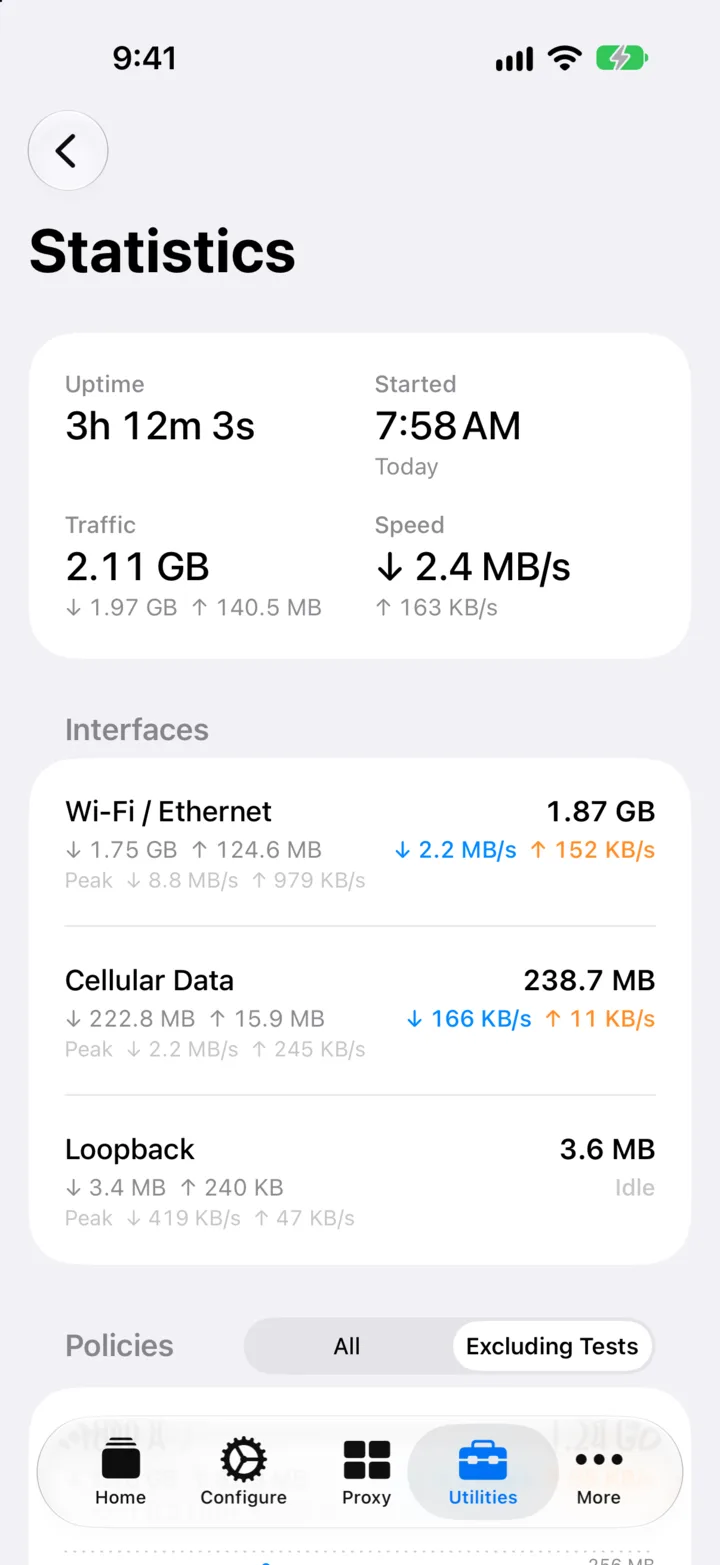
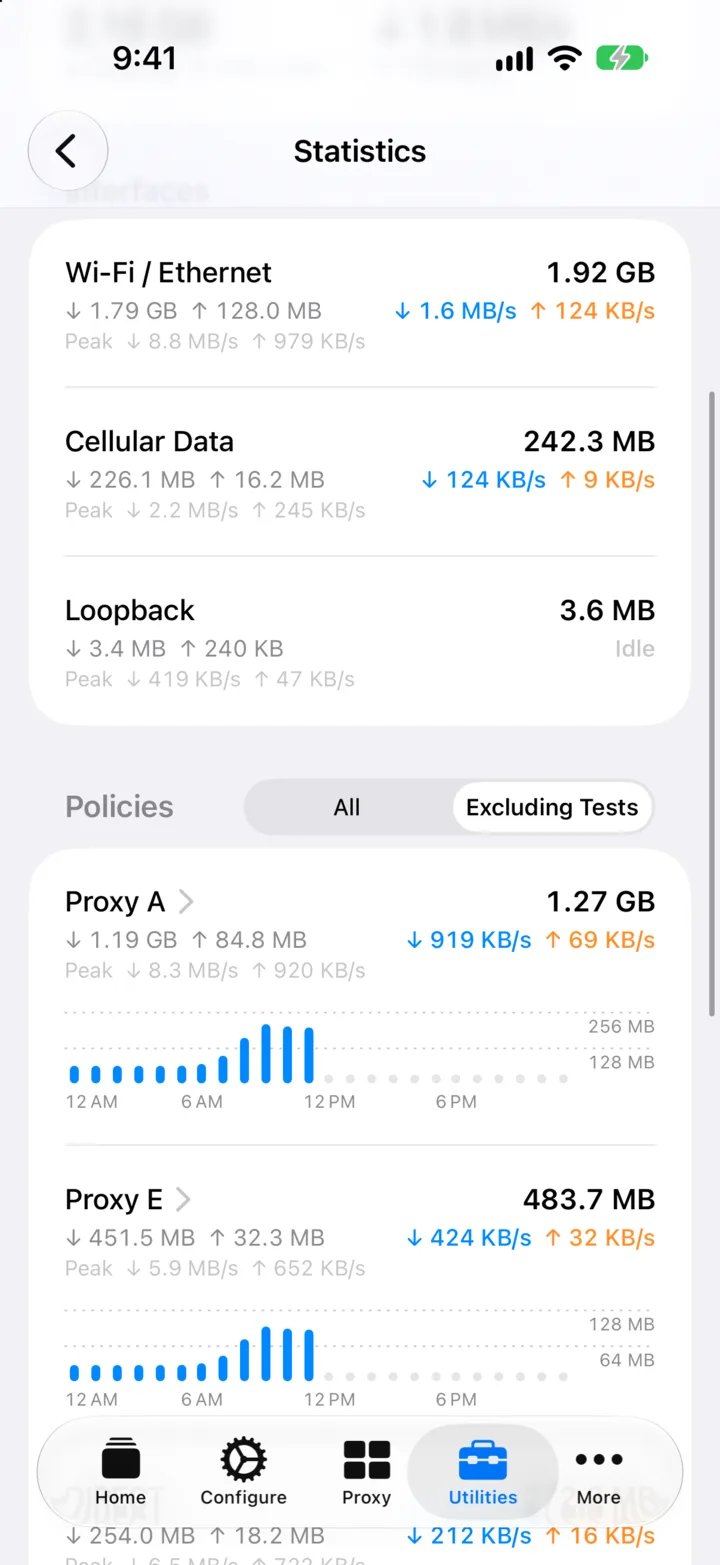
Surge iOS 6 rebuilds nearly every view in the app. Traffic Statistics and Real-Time Statistics are two of them.
Site icons, status colors, and protocol badges on every row. Image responses show a thumbnail, and filters stay one tap away.
See what changed before you save. Compare any two versions, and roll back in one tap.
On wider screens, Surge switches to a split layout, so the dashboard stays next to your settings.
Turn on the MCP endpoint, and agents like Claude Code get the same control as surge-cli, even over Surge on another device. MCP apps on the iPhone itself, such as FlowDown and Minis, can drive Surge directly.
Off by default. The API key grants full control, so expose it only on networks you trust.
[General]
http-api = examplekey@0.0.0.0:6171
http-api-mcp = true
$ claude mcp add --transport http surge \
    http://192.168.1.10:6171/v1/mcp \
    --header "X-Key: examplekey"
Shared with Surge for Mac 6.11, so both platforms get the same improvements.
Offer this device to your tailnet as an exit node or subnet router.
Set a listen port, and WireGuard clients can connect straight to Surge.
Blocks QUIC only for apps that fall back to TCP, so QUIC-only apps keep working.
Devices on your LAN can now send UDP through Surge's SOCKS5 server.
The one million entry cap on rule sets is gone.
Read and change capture filters from surge-cli and the HTTP API.

Surge iOS 6 is available now on TestFlight. The App Store still offers Surge iOS 5 for now. How to join the TestFlight beta